Teacher | Virginia Trekker | Instructional Technologist

Tag: Web2.0 (Page 2 of 3)

Henrico21- Longdale 4th

The 4th grade teachers at Longdale, Jen Travers, Crista Wheaton, and Leigh Hershey, challenged their students to create newscasts about weather systems.  The students teamed up with students from each classroom and wrote their scripts collaboratively using GoogleDocs.  Each classroom was charged with writing one portion of the newscast.  Once the scripts were drafted, the discussion of “edits” took place using the chat feature.  The projects were filmed using props, Promethean boards, and even fake snow!  The final video products were edited using iMovie.  Below are 2 examples of the final iMovies.  Great job 4th graders.

Drought Newscast from Frank Fitzpatrick on Vimeo.

Blizzard Newscast from Frank Fitzpatrick on Vimeo.
Flickr Commons

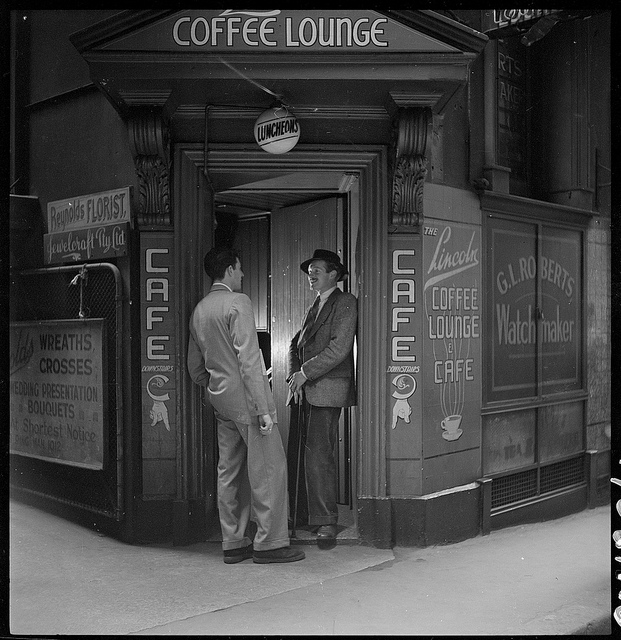
Do you need to find pictures to use in your classroom, but you are concerned about copyright? You need to check out Flickr Commons. I use Flickr to post pictures (My public Flickr PhotoStream). Flickr Commons take photos from libraries (like the Library of Congress) and posts them online for user to view and use. Most of the photos are copyright free which gives you the ability to download then and use them in classroom projects. Most of the photos are historic, so they would be great for Social Studies lessons.

The images below are from Flickr Commons.  Click on the photos to see them in a slideshow format.

[nggallery id=4]

Daily Shoot

The Daily Shoot is something that I have just started to get into, but I think it would be something that has a lot of potential in our classrooms.  We always tell our students to “take another look” at something, well this is a way to do it.  The Daily Shoot works this way:

1.  A new challenge is posted at DailyShoot.com

2.  Users from around the world take photographs.

3.  The users post them online on Flickr, and make a “Tweet” using Twitter.[1.  Twitter can be used for a lot more than stalking celebrities.]

4.  The photographs are then compiled on the Daily Shoot website for everyone to see.

The work that has been submitted is awesome.  My daughter is always asking me what the challenge is and if she can help.  We can obviously modify parts of the project to fit our classroom environment, like extended the deadline from daily to weekly.  I have included some of my pictures below.  You can check out my Flickr PhotoStream here.  Let me know if this is a challenge that you would like to try in your classroom.

Click on one of the picture below to see a full size slide show.  When you are done, just click on a picture to get back here.

[nggallery id=3]

Tired of Doing Keynotes?

I love Keynote, I truly do, but…. Are you tired of doing Keynotes with your students? Then check out Prezi. Prezi is a free, online presentation tool. Prezi is a great alternative to Keynote presentations. The presentations can have movement and animation.  The creators get to set their own customized path through the information that they would like to share, no more going through your slides in order.  Prezi is web-based which make it very easy to share with parents, students, and colleagues.  Below is an example of Cheryl Alexander’s Prezi she has made for one of her graduate classes.

Be sure to check out the tutorial videos on Prezi’s website.  They make all the difference in the world when you are ready to get started.

Google Squared

Google Squared is an awesome search tool that would qualify for our database requirements in our technology folders.  Google “Squaring” is easy to do and there isn’t a log in required.  It does not work with every search that is entered, but it is an easy way for your students to collect information on many related items quickly.  I have included 2 screenshots below.  One of my “squares” is for cloud types and the other is for Civil War Generals.

http://www.google.com/squared

« Older posts Newer posts »