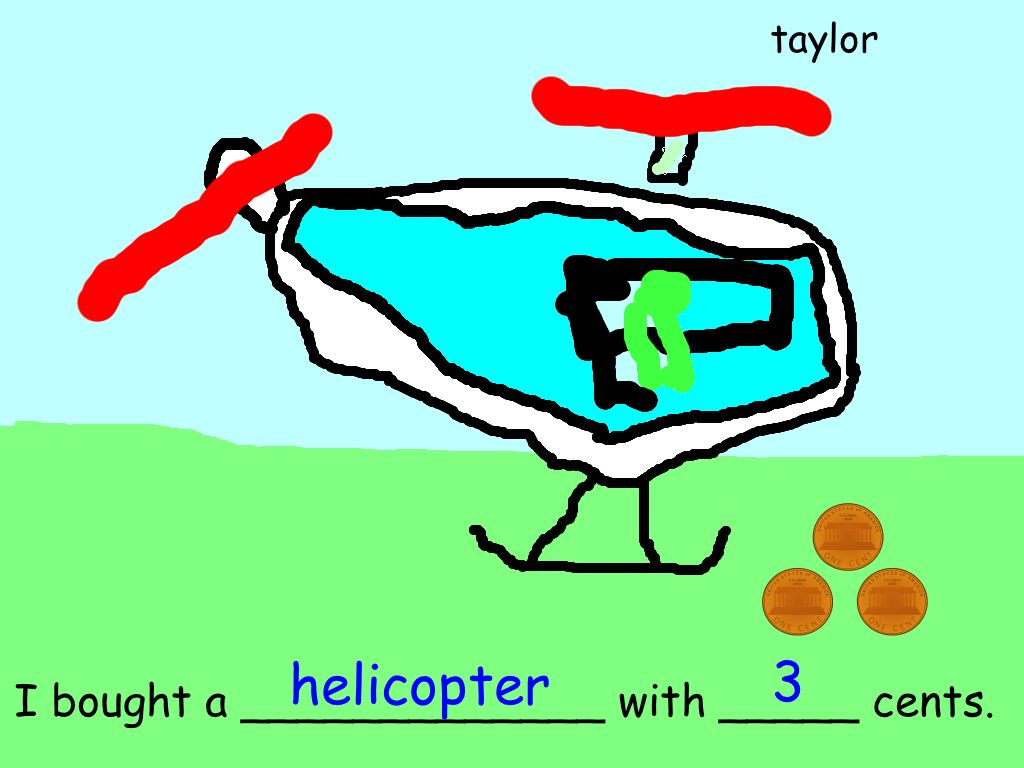
We had a little fun today. I used the template that is attached to this post and the kids did the rest. I have included some of their art below. Click here to download the template.


.
Teacher | Virginia Trekker | Instructional Technologist
We had a little fun today. I used the template that is attached to this post and the kids did the rest. I have included some of their art below. Click here to download the template.
.
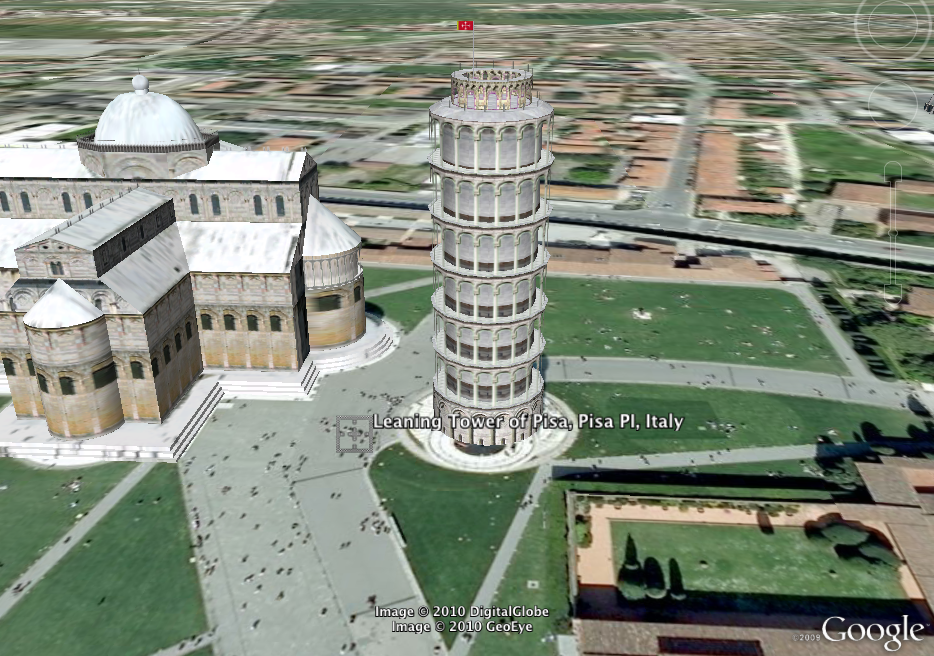
I was given a challenge to integrate technology and geometry. My response was Google Earth. Google Earth has so many uses in the classroom and it is FREE! Each student was given a copy of the handout (linked below). Once you open Google Earth, turn on 3D buildings. The students can zoom into the building and change their viewing angle so they can see what the building looks like from the street. The students have to identify the shape, and then sketch the building before moving on. I have included the 3D screenshots from Google Earth below.
Click here to download the PDF worksheet.

The Leaning Tower of Pisa

The Colesseum

NASA's Vehicle Assembly Building


The Pentagon

The Pyramids of Giza
 This lesson is made to review solids, liquids, and gases while showcasing the tools in Keynote. The students learned how to use the Alpha tool, move objects to a new layer, and how to add builds to objects to obtain a special effect. This lesson was done in one hour. I have included a generic version of the Keynote below as well as an exported version for you to watch.
[local /wp-content/uploads/2010/01/Solids-Liquids-Gases.mov]
 This a 3rd Grade lesson for pounds and ounces. It is student centered. The students make up their own problems and use the keyboard shortcuts for copy and paste to create enough “weight” pieces to complete their problem. You kids can animate the slides as well. There is an exported example with animations and the template below.
[local /wp-content/uploads/2009/12/lbs-ozsblog.mov]

This is a modification of the Comic Life lesson. Comic Life has been having issues with saving, so I remade it to work in Keynote. The students drop the matching picture into the colored boxes on the Keynote slides. I have attached the picture, the template, and an exported slideshow from one of my 1st grade Whizzes.
Click here to download the pictures.
Click here for the Keynote template.
Click twice to play the movie.
[local /wp-content/uploads/2009/11/michael-past-present.mov]


© 2026 Frank Fitzpatrick's Blog
Theme by Anders Noren — Up ↑