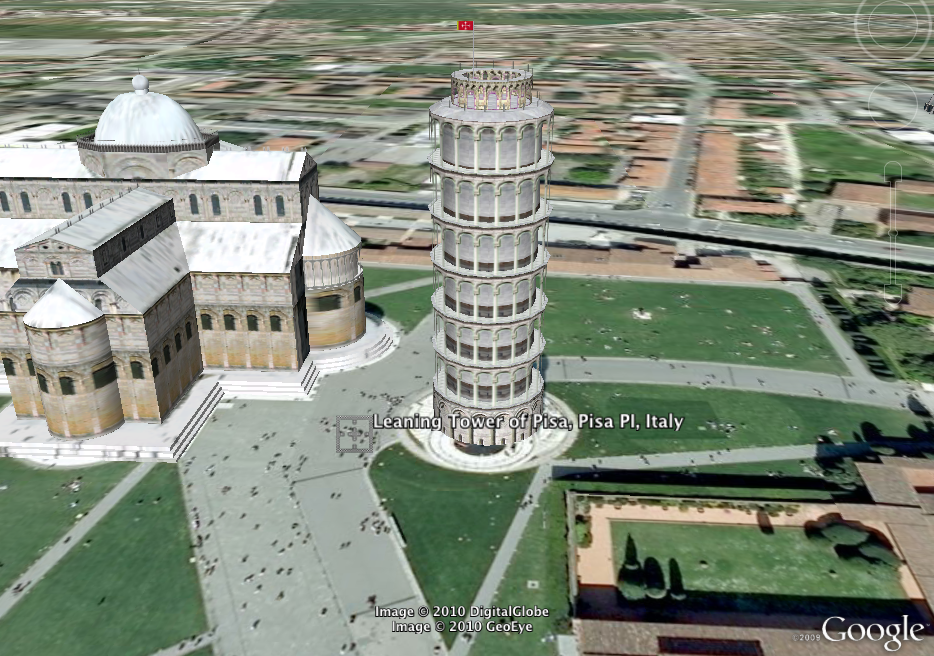
I was given a challenge to integrate technology and geometry. My response was Google Earth. Google Earth has so many uses in the classroom and it is FREE! Each student was given a copy of the handout (linked below). Once you open Google Earth, turn on 3D buildings. The students can zoom into the building and change their viewing angle so they can see what the building looks like from the street. The students have to identify the shape, and then sketch the building before moving on. I have included the 3D screenshots from Google Earth below.
Click here to download the PDF worksheet.

The Leaning Tower of Pisa

The Colesseum

NASA's Vehicle Assembly Building


The Pentagon

The Pyramids of Giza


Very cool idea, Frank!